

TimesAura News - All The News You Need
Home
TimesAura News - All The News You Need

Delivering unbiased, high-quality journalism with a focus on technology, business, and global events. Designed for clarity in a complex world.

Categories

  • Technology
  • Business
  • Health
  • Sports
  • Entertainment

Company

  • About Us
  • Contact Us
  • Editorial Policy
  • Privacy Policy
  • Terms of Service
  • Disclaimer

Stay Updated

Subscribe to our newsletter for the latest breaking news.

© 2024 TimesAura News. All rights reserved.

  1. Home
  2. Social Media
  3. How to Protect Your Social Media Privacy and Stay Safe From Spam & Fraud Calls
Back to Home
Share:
Social Media

How to Protect Your Social Media Privacy and Stay Safe From Spam & Fraud Calls

Spam callers and online frauds are increasing daily, especially through social media. This guide explains how these scams work, how your data gets leaked, and simple steps you can take to protect your privacy and stay safe from fake calls, suspicious links, and online fraud.

Jemin Patel - Admin at TimesAura News

Jemin Patel

Admin

December 11, 2025
7-9 min read
Article
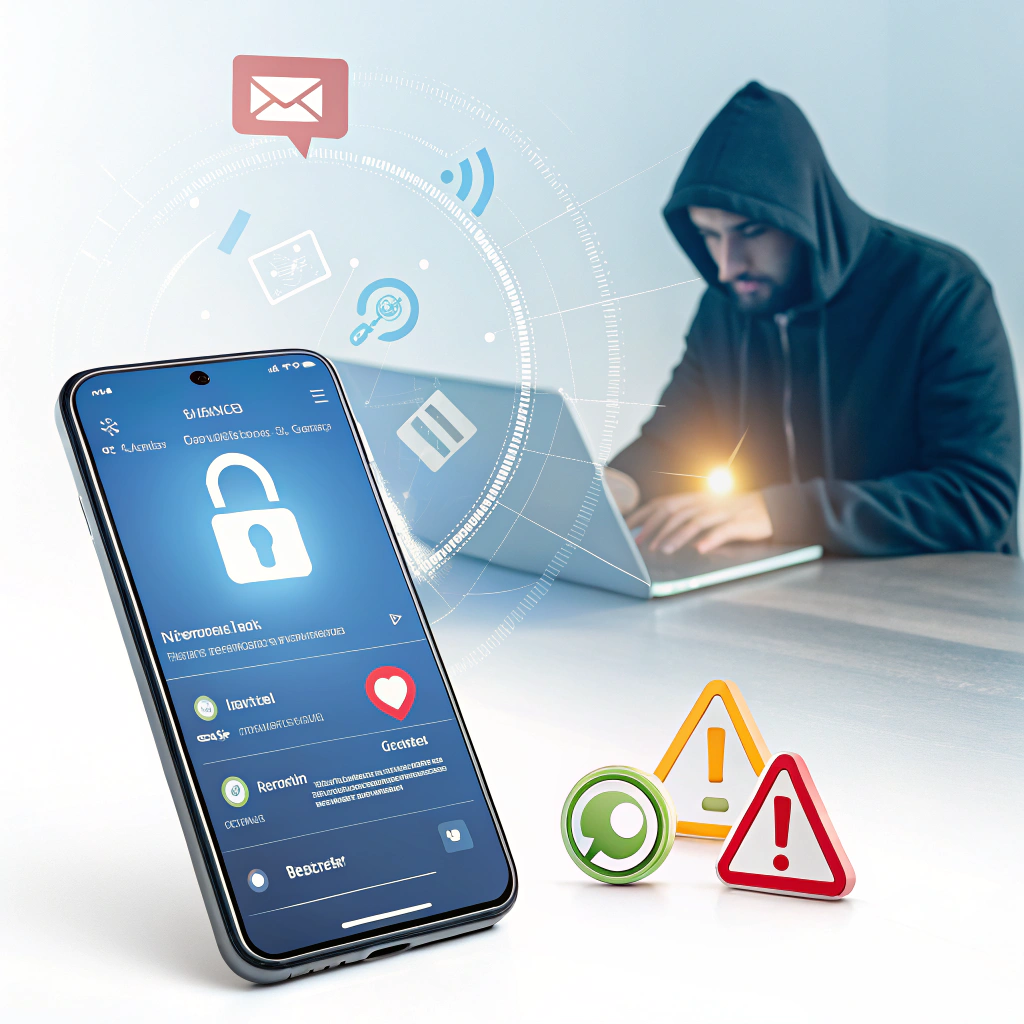
How to Protect Your Social Media Privacy and Stay Safe From Spam & Fraud Calls - Featured image

In today’s hyper-connected world, most people share details of their daily lives on social media—photos, check-ins, phone numbers, emails, and more. While social platforms help us stay connected, they have also opened the door for scammers, spam callers, and fraudsters who misuse this information for their own benefit.

From fake loan calls to job scams, OTP fraud, and impersonation calls, cybercriminals use both public social media data and leaked information to target people. The good news? With a few simple habits, you can protect your privacy and avoid falling into their traps.

Below is a complete guide to help you stay safe.


1. Understand How Scammers Get Your Information

Many people think fraudsters randomly call numbers. But in reality, most scammers get your data from:

  • Public social media profiles

  • Posts where you reveal your phone number

  • Leaked databases

  • Online shopping forms

  • Fake job portals

  • Weak privacy settings

  • Public groups and communities

  • Unsecured Wi-Fi networks

If your phone number or email is visible anywhere online, scammers can easily use it.

Why it matters:
Once scammers have your number, they can attempt fraud through fake offers, banking scams, or impersonation tricks.


2. Set Strong Privacy Settings on Social Media

Most people never check their platform privacy settings. Leaving them open allows anyone—even unknown people—to view your details.

Update these settings immediately:

  • Hide your phone number

  • Hide your email

  • Hide your friend list

  • Make your profile private or locked

  • Disable “Who can look me up using my phone number”

  • Turn off location history

  • Block apps and websites connected to your account

Why it works:
If scammers cannot see your personal details, they cannot target you easily.


3. Never Share Sensitive Information Publicly

People often make the mistake of posting:

  • Phone numbers

  • Travel plans

  • OTP screenshots

  • ID proofs (Aadhaar, PAN, passport)

  • Order invoices

  • Addresses

  • Personal conversations

Scammers monitor such posts and use them to impersonate you or run fraud schemes.


4. Be Careful With Unknown Calls

Scam callers often pretend to be:

  • Bank representatives

  • Courier companies

  • Telecom operators

  • Insurance agents

  • Job recruiters

  • Government officials

  • Online shopping delivery staff

They use urgent or emotional tactics to make you act quickly.
Always hang up and independently verify the number.

Red flags of a scam call:

  • Asking for OTP

  • Asking to “click a link”

  • Asking for card number or CVV

  • Offering prizes or cashback

  • Threatening your bank account will be blocked

  • Asking you to install remote access apps

Golden Rule:
No bank or company will ever ask for your OTP or PIN.


5. Avoid Clicking Suspicious Links

Fraud links are often sent through:

  • WhatsApp messages

  • Instagram DMs

  • Messenger

  • Emails

  • Unknown websites

These links can steal data or install hidden apps on your device.

Safe practice:
Only open links that are from verified pages or trusted senders.


6. Enable Two-Factor Authentication (2FA)

2FA provides extra protection even if someone knows your password.

Enable 2FA on:

  • Instagram

  • Facebook

  • WhatsApp

  • Gmail

  • Banking apps

  • Payment apps (GPay, PhonePe, Paytm)

Why it works:
Even if your password leaks, scammers cannot access your account without the code.


7. Use a Strong and Unique Password

Many fraud cases happen because people reuse the same password everywhere.

Create passwords like:

R@infall2025!
MySafeRoom#91

Mix:
✔ Uppercase
✔ Lowercase
✔ Numbers
✔ Special characters

Never use:
Your name, birthdate, phone number.


8. Don’t Accept Requests from Strangers

Fake profiles are created to collect your:

  • Photos

  • Contact details

  • Personal information

These can later be misused for blackmail, impersonation, or scams.

Rule:
If you don’t know them personally, don’t accept the request.


9. Report Spam & Block Callers Immediately

Every smartphone has options to block numbers.
Reporting spam helps telecom companies track and shut down scam networks.

In India, you can report spam SMS/calls:
Dial 1909 or use DND services.


10. Stay Updated and Educated

Fraud methods change every year.
You must stay informed about:

  • New types of scams

  • Fake loan apps

  • Social engineering fraud

  • OTP scams

  • Job scam patterns

Educating yourself and your family is the best protection.


⭐ Conclusion

Your personal information is your biggest asset.


In a world where scammers manipulate even the smallest details, maintaining privacy is not optional—it’s essential. By following simple habits like updating privacy settings, avoiding oversharing, and being alert to unknown calls, you can protect yourself and your loved ones from online fraud.

Start today. Strengthen your privacy. Stay aware. Stay safe.

Tags:#News#Social Media#Global#Analysis

Join the Discussion

Your comment will be reviewed before publishing.

0 Comments

No comments yet. Be the first to comment!

Daily Digest

Get the latest updates delivered to your inbox.

Related Stories

Jemin Patel - Admin at TimesAura News

Jemin Patel

Admin

Experienced journalist covering social media and global affairs.